Stable Audio 3 Free OnlineAI Music & Sound Effects Generator
What You Can Create with Stable Audio 3
Stable Audio 3 covers text-to-audio, audio-to-audio editing, inpainting, sound effects, variable-length generation, and a full model family — all from a single browser workspace.
Stable Audio 3 Text to Audio — Music from a Written Prompt
Describe your music in words — genre, instruments, mood, tempo — and Stable Audio 3 turns it into a full audio clip. From lo-fi beats to cinematic scores, every generation starts with a text prompt.
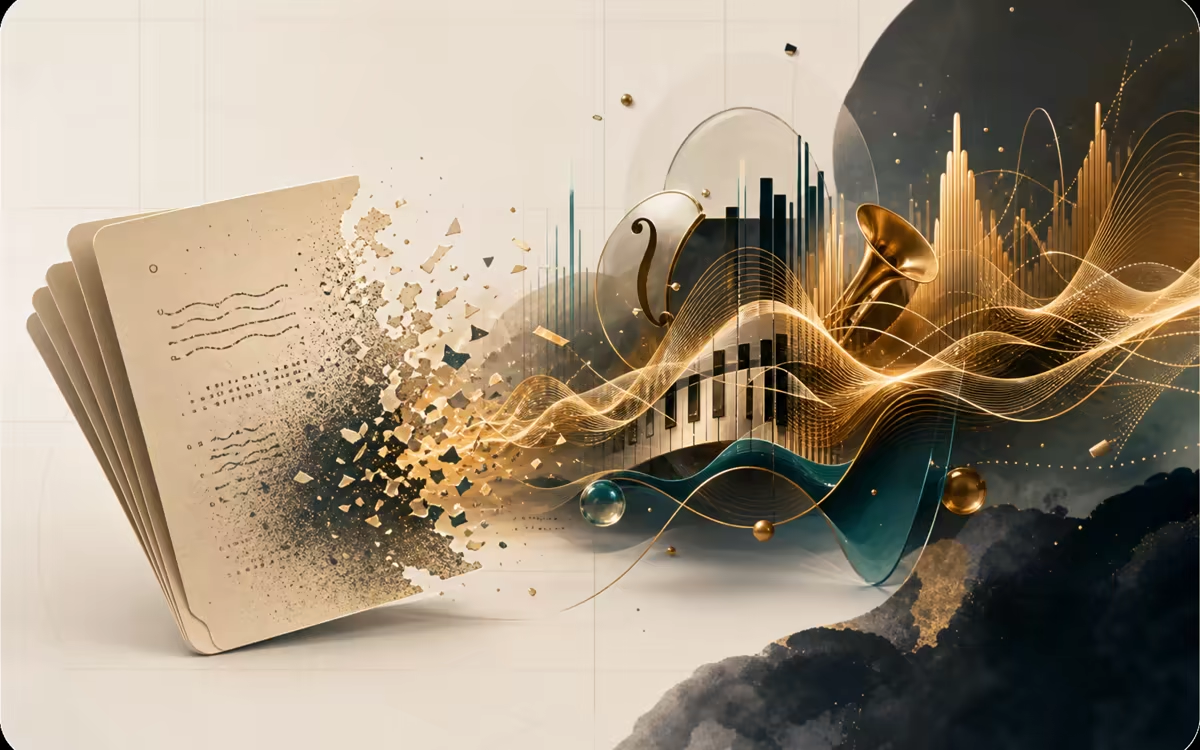
Text to Audio
Music draft
Cinematic orchestral score, sweeping strings, epic brass, 120 BPM in D minor.
Stable Audio 3 Audio to Audio — Transform an Existing Clip
Upload an audio file, describe the transformation you want, and the model returns a new version. Shift genres, swap instruments, or turn a rough sketch into a polished bed — no re-recording needed.
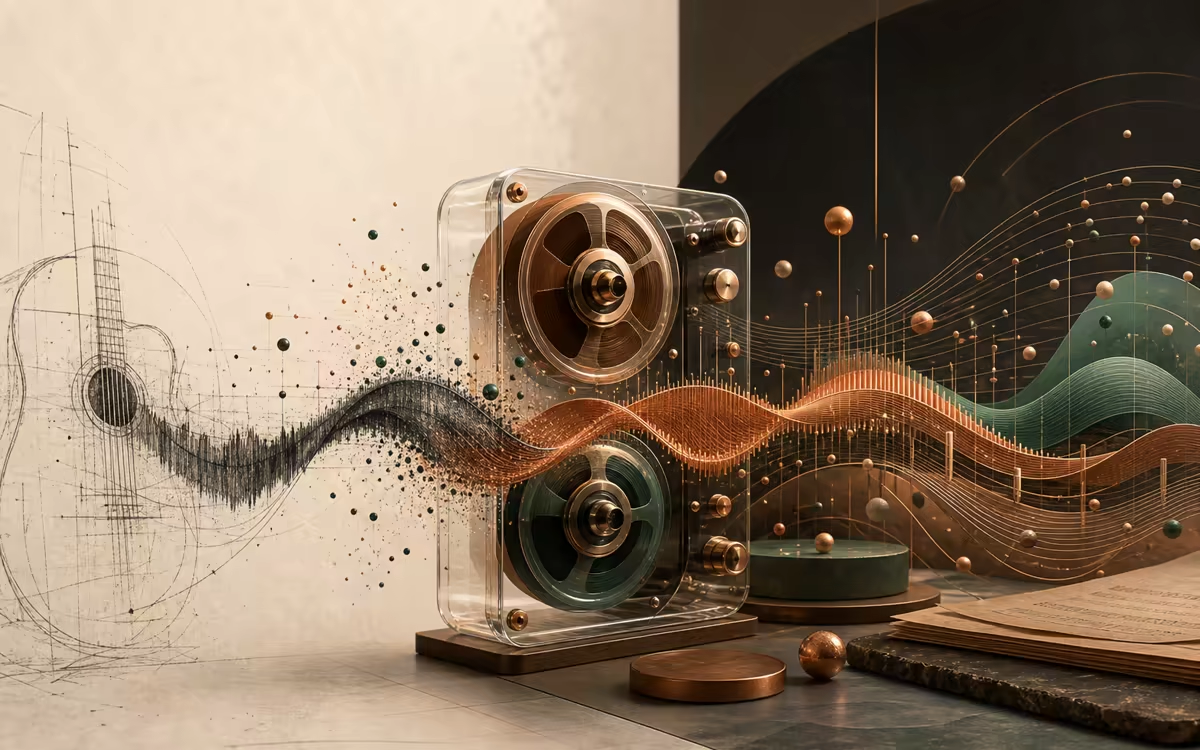
Audio to Audio
Variation workflow
Transform this guitar sketch into a warm cinematic arrangement with soft percussion.
Stable Audio 3 Inpaint — Regenerate Just a Section
Select a specific region of an audio clip and regenerate just that section. Fix a wrong note, remove an unwanted sound, or extend a loop without touching the rest of the track.
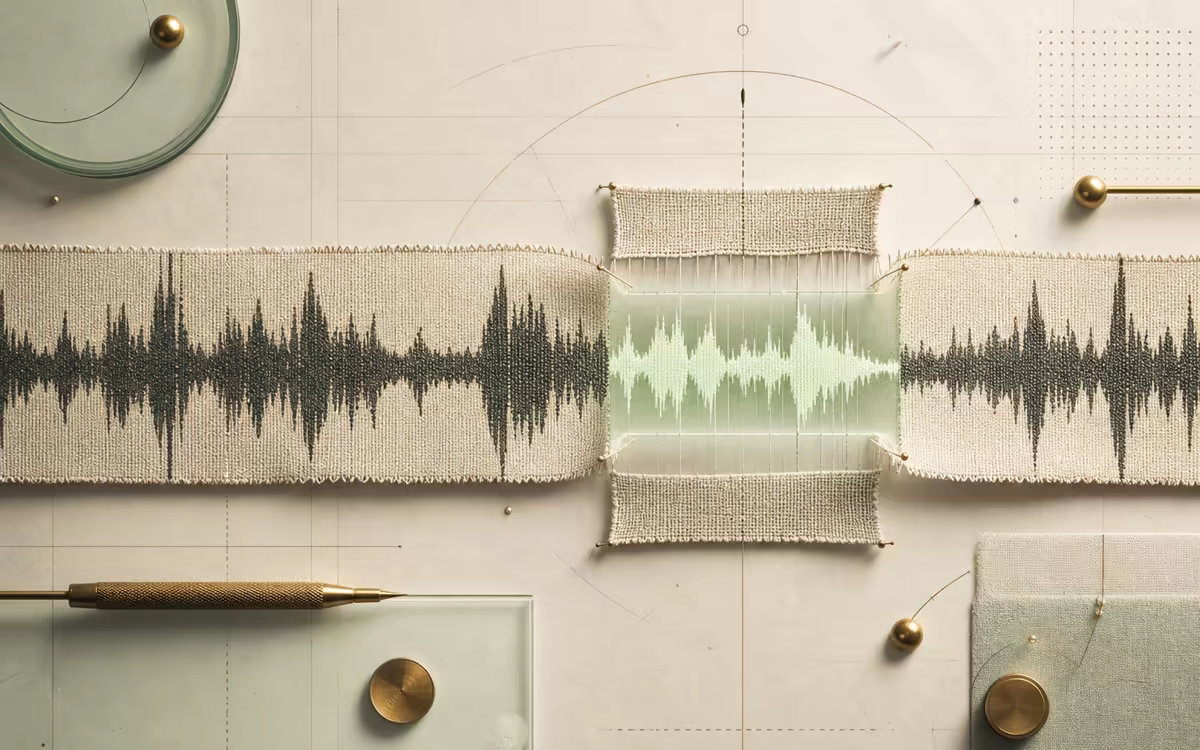
Audio Inpaint
Selected region
Replace the last 8 seconds with a cleaner riser and a soft resolved ending.
Stable Audio 3 Sound Effects — Fast One-Shot SFX
Generate short sound effects from text — footsteps on gravel, a car whoosh, a UI click, or ambient rain. The Small SFX model is optimized for fast, clean one-shot sounds that work in games, videos, and apps.
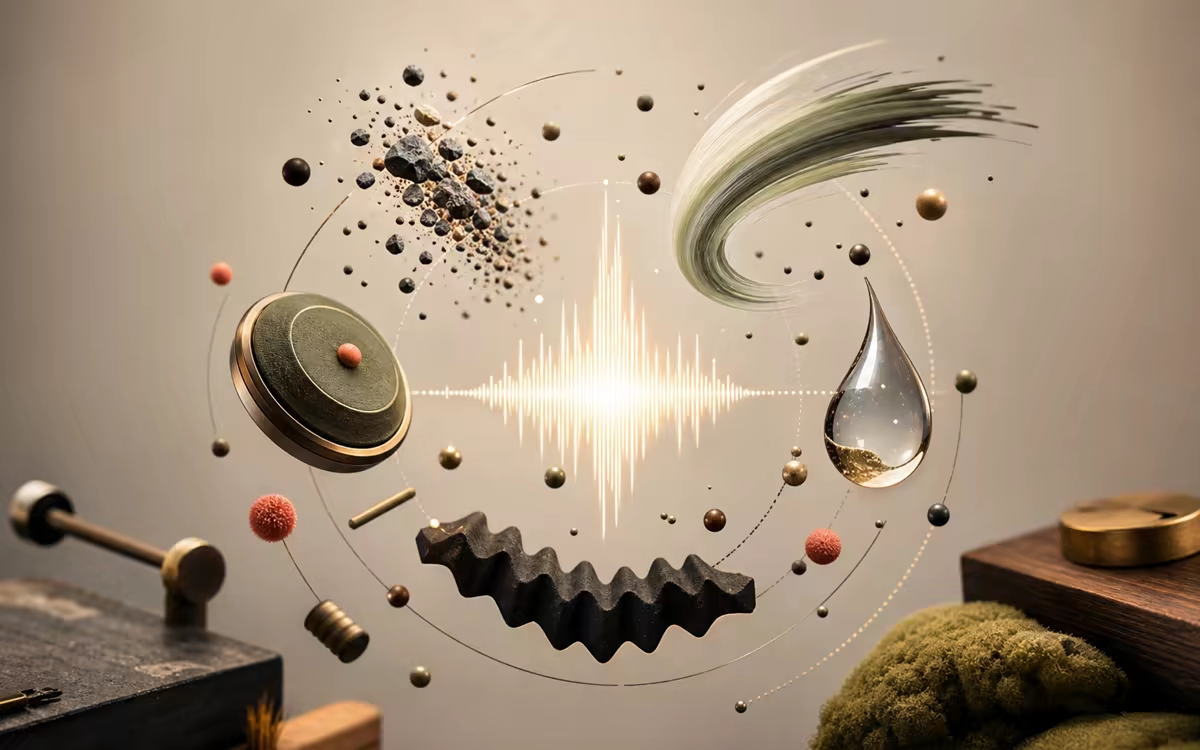
SFX Generator
Sound effect
Footsteps on gravel, steady walking pace, close perspective, 8 seconds.
Stable Audio 3 Variable Length — From SFX to 6-Minute Tracks
With Stable Audio 3 you can choose any duration from a few seconds up to 6 minutes. Short SFX, medium loops, or long ambient beds — all in the same workflow. No need to stitch multiple clips together.
Length Control
Up to 6 min
Generate a 4-minute ambient bed for a focus playlist, soft synth pads, no drums.
Stable Audio 3 Models — Medium, Small Music, Small SFX
Switch between Medium (full songs, up to 6 min), Small Music (loops and short tracks, CPU-friendly), and Small SFX (sound effects, fast generation). Pick the Stable Audio 3 model that fits your use case.

Model Picker
Model family
Use Medium for full tracks, Small Music for quick loops, Small SFX for short game sounds.
How Stable Audio 3 Online Works
Four steps from a written idea to a downloadable audio file with Stable Audio 3. No install, no GPU, no account required.
Describe Your Audio
Type a prompt that describes what you want to hear — genre, instruments, mood, tempo. For example: Lo-fi hip hop beat with mellow piano, vinyl crackle, soft drums, 75 BPM. You can also upload an existing audio file for Stable Audio 3 to edit or inpaint.
Choose Mode and Duration
Pick Text-to-Audio to create from scratch, Audio-to-Audio to transform an upload, or Audio Inpaint to regenerate a specific section. Then choose how long the output should be — from a few seconds up to 6 minutes.
Generate and Preview with Stable Audio 3
Hit generate and Stable Audio 3 produces your audio in seconds. Listen to the result right in your browser, with a waveform preview. Everything runs in the cloud — no GPU, no install, no local processing.
Who Uses Stable Audio 3
Five practical Stable Audio 3 workflows for creators who need audio that matches the exact length, vibe, and use case they have in mind.
Stable Audio 3 for Video & Social Audio
YouTubers, TikTokers, and short-form video creators use it to generate background music and audio hooks that match the exact length and vibe of their edits — no scrolling through royalty-free libraries.
Stable Audio 3 for Game Audio Prototyping
Indie devs and game audio designers use the Small SFX model to sketch UI sounds, ambient loops, and combat effects. Iterate in seconds, not days.
Stable Audio 3 for Podcast Intros & Beds
Create short, recognizable intro music that sets the tone for every episode. Use Audio-to-Audio to shape a rough melody into a polished podcast bed.
Stable Audio 3 for Musicians & Producers
Turn a written idea into a listenable sketch in under a minute. Use Stable Audio 3 to generate a chord progression, a beat idea, or a full arrangement rough, then take it into your DAW.
Stable Audio 3 for Streamers & App Builders
Generate long ambient beds for streaming overlays, focus playlists, meditation apps, or installation pieces. Variable length means a 6-minute loop in one go — no stitching, no seams.
Why Use Stable Audio 3 Here
Free access to the Stable Audio 3 model family, with no account, no install, and no GPU between you and a finished audio file.
Stable Audio 3 with No Sign Up, No Install
The official Stable Audio app requires account creation before you can even try a generation. Local deployment means downloading weights, setting up Python, and owning a GPU. This site skips all of that — open the page, type a prompt, and generate.
Stable Audio 3 Prompt Examples You Can Copy
Each creation mode includes a concrete prompt pattern for music, SFX, ambient beds, and editing tasks. Copy the structure, replace the creative details, and iterate from a stronger first prompt.
Stable Audio 3 Controls Stay Understandable
Mode, duration, model family, and editing intent are described in plain language, so visitors can choose text-to-audio, audio-to-audio, SFX, or inpainting without reading repository docs first.
License-Aware Stable Audio 3 Output Guidance
Stable Audio 3 is trained on fully licensed data, and Stability AI allows output distribution and commercialization under its Community License, with Enterprise terms for larger organizations.
The Right Stable Audio 3 Model for the Right Job
Most AI music tools give you one model and one output type. Stable Audio 3 offers a family with different strengths — Medium for full songs, Small Music for quick loops on a CPU, Small SFX for short one-shots. You only run the model you actually need.
Stable Audio 3 FAQ
What is Stable Audio 3?
Stable Audio 3 is a family of open-weight AI audio generation models from Stability AI, released in May 2026. It generates music, sound effects, and ambient audio from text prompts, and supports audio-to-audio editing and inpainting. This site lets you use Stable Audio 3 online — no install, no GPU, right in your browser.
Is Stable Audio 3 free to use online?
Yes — this page is free to try and does not add a local paywall, credit card step, or app account requirement. Generation availability can still depend on the hosted demo queue and current model provider limits.
Do I need a GPU to run Stable Audio 3 online?
No. Stable Audio 3 runs in the cloud here, so you only need a browser and an internet connection. No downloads, no GPU, no local setup.
Do I need an account to use Stable Audio 3?
No. You can start using Stable Audio 3 immediately — no registration, no login, no email required. Just open the page and generate.
What audio quality does Stable Audio 3 output?
Stable Audio 3 generates audio in 44.1 kHz stereo, and you can download your results as WAV files — lossless, ready to drop into any DAW, video editor, or game engine. Output quality depends on the model variant, prompt specificity, and duration settings.
How long can Stable Audio 3 generated audio be?
It depends on the model. Stable Audio 3 Medium generates up to approximately 6 minutes 20 seconds. Small Music and Small SFX generate up to about 2 minutes. You can choose any duration up to the model limit in the generator.
Can I use Stable Audio 3 outputs commercially?
Stability AI says Stable Audio 3 outputs can be distributed and commercialized under the Stability AI Community License. Organizations above the current revenue threshold should use the Enterprise License, so check the latest Stability AI terms before production use.
Can Stable Audio 3 generate vocals, speech, or lyrics?
No. Stable Audio 3 is designed for instrumental music, sound effects, and ambient audio. It does not generate vocals, speech, singing, or lyrics. For voice or speech, you need a text-to-speech or voice AI tool instead.
What's the difference between Stable Audio 3 Medium, Small Music, and Small SFX?
Medium handles full song composition with the strongest musicality and the longest duration (up to ~6 min) — best for complete tracks. Small Music covers shorter loops and sketches (up to ~2 min) and can run on CPU. Small SFX is optimized for sound effects: impacts, footsteps, ambience, and UI sounds — fast generation, short outputs, ideal for game audio and quick one-shots.
How do I write a good prompt for Stable Audio 3?
Describe genre first, then instruments, mood, tempo, and key (if relevant). A strong Stable Audio 3 prompt example: Cinematic orchestral score, sweeping strings and brass, epic and emotional, 120 BPM in D minor. Avoid vague descriptions like "nice music" — the more specific your prompt, the more intentional the output.
How does Stable Audio 3 compare to Suno or Udio?
Stable Audio 3 and Suno/Udio serve different purposes. Suno and Udio focus on generating complete songs with vocals and lyrics — they are AI song generators. Stable Audio 3 focuses on instrumental music, sound effects, ambient audio, and audio editing (inpainting, audio-to-audio). If you need instrumental beds for video, game audio sketches, or sound effects, Stable Audio 3 is the better fit.
Are my Stable Audio 3 uploads and prompts private?
Uploaded audio files and prompts are processed only to generate your requested output and are not used to train models. Review our Privacy Policy for full details on storage and retention.
Ready to Create with Stable Audio 3?
Stable Audio 3 is free, no sign up, no install. Open the studio, type a prompt, and turn the first idea into music, ambience, or sound effects.
Try Stable Audio 3 Free